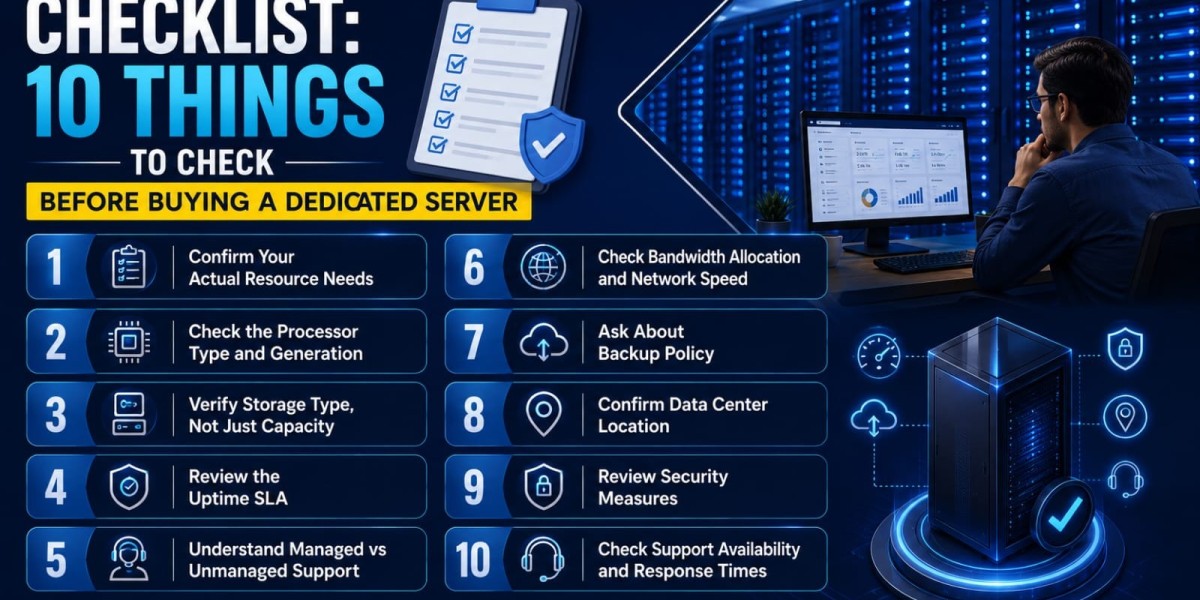

Buying dedicated hosting is a bigger commitment than shared or VPS plans — both financially and operationally. Use this dedicated server buying checklist to make sure you’re not missing anything important before you commit.
1. Confirm Your Actual Resource Needs
Don’t guess. If you’re migrating from existing hosting, check your current CPU, RAM, and storage utilization to set a realistic baseline before comparing plans.
2. Check the Processor Type and Generation
Look for current-generation processors — AMD Ryzen 9000-series or EPYC 9004-series with DDR5 support offer meaningfully better performance per rupee than older hardware, even at similar price points.
3. Verify Storage Type, Not Just Capacity
NVMe storage delivers significantly faster read/write speeds than SATA SSD or HDD. For anything performance-sensitive — databases, high-traffic applications — confirm NVMe is included, not just “SSD” in general terms.
4. Review the Uptime SLA
Look for a minimum of 99.9% uptime SLA, with 99.95%+ preferred for business-critical applications. Understand what compensation, if any, applies if the provider fails to meet it.
5. Understand Managed vs Unmanaged Support
Confirm exactly what’s included — OS installation, security patching, monitoring, and troubleshooting — and whether that matches your team’s technical capacity.
6. Check Bandwidth Allocation and Network Speed
Confirm the included bandwidth matches your expected traffic, and check the network port speed (1 Gbps minimum for most use cases, higher for high-traffic or streaming applications).
7. Ask About Backup Policy
Understand backup frequency, retention period, and whether backups are included in the base price or charged separately. This matters more than most buyers initially realize.
8. Confirm Data Center Location
For businesses primarily serving Indian users, a data center located in or near India generally reduces latency compared to overseas facilities.
9. Review Security Measures
Confirm DDoS protection, firewall configuration, and security patching policies — especially important if your dedicated server will handle customer data or payment processing.
10. Check Support Availability and Response Times
Confirm 24/7 support availability, not just business-hours coverage, and ask about typical response times for critical issues.
Bonus: Understand the Renewal Pricing
Many dedicated server plans come with attractive launch or first-month pricing. Always check the standard renewal rate before committing, so there are no surprises after the initial period ends.
Quick Reference Checklist
- Resource needs (CPU, RAM, storage) matched to actual workload.
- Current-generation processor confirmed.
- NVMe storage confirmed, not just “SSD”.
- Uptime SLA of 99.9%+ confirmed.
- Managed or unmanaged support level matches your team’s capacity.
- Bandwidth and network speed match expected traffic.
- Backup policy understood and acceptable.
- Data center location confirmed.
- Security measures (DDoS protection, firewall) confirmed.
- 24/7 support availability confirmed.
- Renewal pricing checked beyond any launch offer.
Final Thoughts
Working through this dedicated server buying checklist before committing to a plan helps you avoid the most common and costly mistakes — under-provisioning resources, missing hidden costs, or discovering support gaps only after something goes wrong. A few extra minutes of due diligence upfront saves real time and money down the line.
Ready to compare dedicated server plans against this checklist? Explore Webyne’s dedicated server hosting — transparent specs, current-generation AMD hardware, and 24/7 expert support included.
source- https://webyne.com/blog/checklist-10-things-to-check-before-buying-a-dedicated-server.php