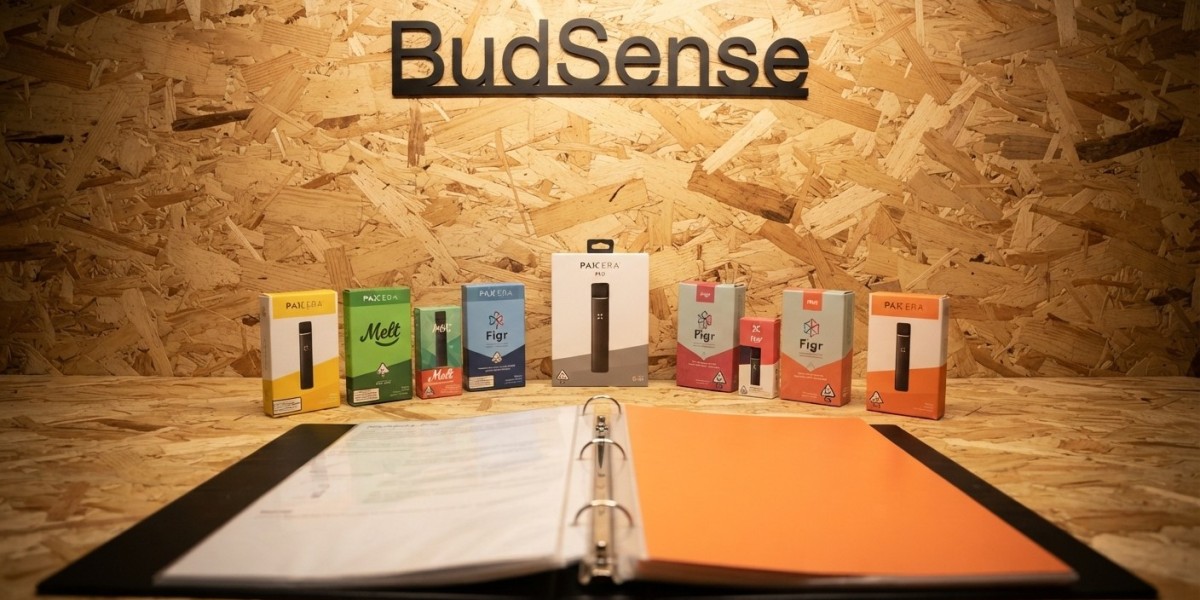

With so many vape products to choose from it can get hard to keep track of all of the product information. By using cannabis vape menus you can show your customers what products you have to offer as well as flavors and other information they may want to know about the product.
Cannabis Vape Menus
Since vape products can be 510 carts or disposables there is a lot of information to know about the products. Whether its by strain or how much THC/CBD there is in the product. You can also tell your customers what flavors and terpenes the product may contain.
Having this information readily available on your menu allows your customers to know what they are looking for without having to ask your staff. Your customers can browse your cannabis vape menu and find the product they are looking for.
This can become a helpful tool when it comes to merchandising your vape products.
Show Your Customers What They Need To Know
When creating dispensary vape menus you want to know what information your customer would want to know about the product.
There are many pieces of information you can include on your menu. Some of those are:
Name of product
Who makes the product
Type of product
How much THC is in the product
How much CBD is in the product
Flavors of the product
What strain the product is
What terpenes are in the product
Size of product
Any other information you think your customers may want to know.
You want to keep this information easy to read and understand. But don't over do it.
As stated before if your customer wants to know what flavors you have. Then they can look at the flavors and see what they want. Maybe they want to know what products have a higher THC or CBD content. By breaking up this information you are giving your customer multiple options to browse your products.
Display Flavor Badges
Another piece of information you can show your customers on your menu is what flavors you carry. You can do this by adding flavor badges to your menu.
Flavors you can display on your cannabis vape menu are Mango, Peach, Berry, Lemon, Orange, Blueberry, Pine and so on.
On our original Vape Merchandising article we used flavor badges to show what the vape products contain.
By displaying your customers with this information they can easily find what they are looking for. It also allows you to merchandise your products with less description.
Show Your Customers What's Popular
Maybe you want your customers to know what products are selling well on your menu. You can add best seller labels to your products to show what's popular.
If you sell many similar vape products this can be another tool to help your customers find what they are looking for.
They may notice many products that have similar information but can look to the labels to help them.
Just like flavor badges you can use labels to display other information on your cannabis vape menu.
Terpenes Can Be A Confusing Topic
Terpenes can be used to tell your customer more about your products smell and taste. You can include terpene information on your menu if you choose to.
By using terpene badges you can display this information on your menu as well.
Our vape menu examples use terpene badges to show what terpenes the products contain.
Make sure you include the information you feel your customers would want to know about your vape products. And break it down into an easy to understand format.
Break Up Your Menu
Just because you have a large selection of vape products doesn't mean you have to display them all on one page.
You can break up your cannabis vape merchandising by using sections on your menu. Whether your menu is separated by 510 carts or disposables. Or maybe your menu is based on flavors or product types.
Your customers can browse the products that interest them.
It also allows you to merchandise your products in a different way.
Stay Updated With Your Menus
As with any dispensary your information is going to change at some point. Prices may go up and down or new products may come in that you want to add to your menu.
That's why you want to make sure you are staying up to date with your cannabis vape menus.
If your menu is outdated your customers may get confused when they come to the register and don't see the product they were looking for.
There are menu programs that can sync with your product information and allow you to update your menu with ease.
Have Both Digital and Print Menus
As mentioned earlier you can have your vape information displayed on both print and digital menus.
Having a digital menu allows you to easily update your information. You can also use print menus to display your vape products as well.
Our original article showed vape products on both print and digital cannabis menus.
You can decide what works best for your dispensary.
What Features Should You Look For In Your Cannabis Vape Menus?
There are many features you can look for when using a program to help with your cannabis vape menus.
Here are some features you can look for:
Display product information
Flavor Badges
Labels to show popular products
Terpene Information
Create Sections
Show case products
Digital Menus
Print Menus
Update information automatically
Sync with POS
Smart Filters
Allow you to customize your menus
You may not need all of these features on your menu. But they can help when merchandising your vape products.
Make Your Cannabis Vape Menus Easy To Use
Just like any other menu you want your cannabis vape menu to be user friendly. Show your customers the information they may need to know about your vape products.
From displaying what flavors your products have to what THC and CBD content your products may have.
There are many features you can use to help merchandising your vape products on your cannabis vape menu.
Need help merchandising your vape products?
At BudSense you can check out our cannabis menu solutions.
Final Thoughts
As you can see there are many ways you can merchandising your vape products on your cannabis vape menus. By using badges and labels you can show your customers what their looking for.
Whether your using digital or print menus make sure your information is always up to date.
FAQs
What are cannabis vape menus?
Cannabis vape menus are menus that display your vape products and information about those products. You can show your customers the name of the product, what flavor it may contain and what it's THC and CBD content is. There are many things you can show your customers on your cannabis vape menus.
What should I show my customers on my cannabis vape menus?
You can show your customers the product name, who makes the product, what type of product it is. How much THC and CBD the product has. You can also display what flavors the product contains and what terpenes it may contain. Any other information you feel your customers would want to know about your vape products.
Can I show my customers what products are selling well?
Yes by adding labels to your cannabis vape menu you can show your customers what products are popular. This can help when you have many similar products to choose from.
Why should I show my customers what flavors I carry?
Showing your customers what flavors you carry can help them browse through your vape products faster. By adding badges to your menu they can see what they are looking for.
Can I include terpene information on my cannabis vape menus?
Yes you can include terpene information on your cannabis vape menus if you have that information about your products. By adding terpene badges to your menu you can show your customers what their looking for.